
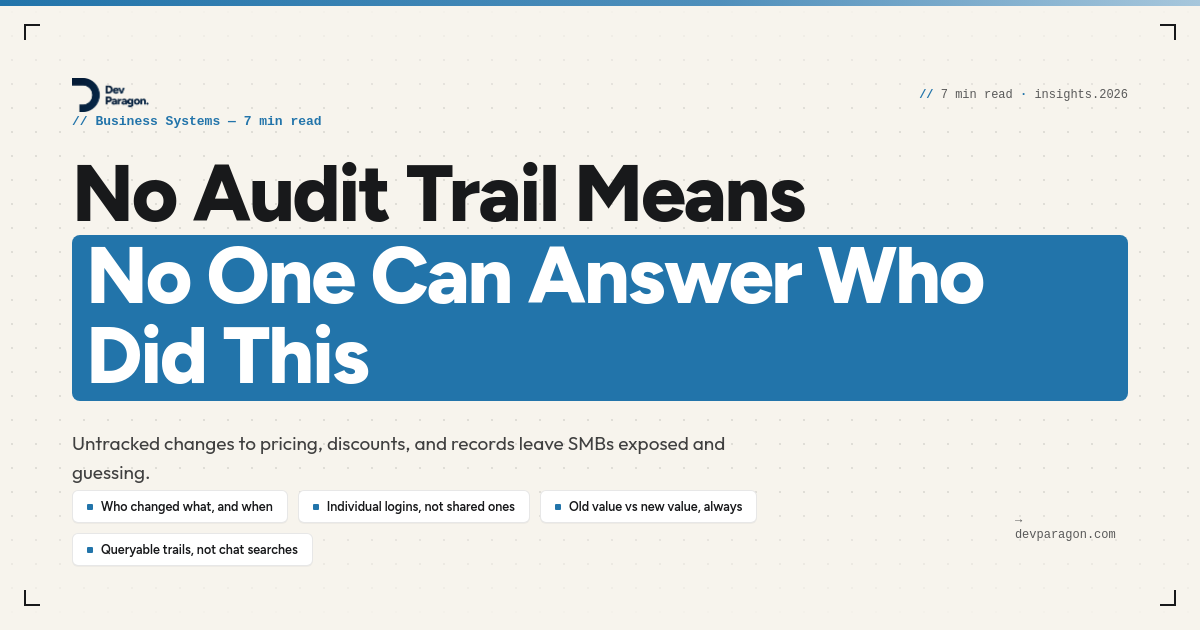
The $61 SKU
Your ops manager pulls up the pricing sheet on a Tuesday morning and a SKU that's supposed to retail at $84 is showing $61. Nobody remembers changing it. The version history in Google Sheets shows an edit made at 11:47 p.m. from an account that was deactivated eight months ago — a contractor who left the company last spring but whose login somehow still had edit access to the file.
You can guess what happened. A formula got dragged wrong, or someone fat-fingered a cell while sorting the sheet. But guessing is all you can do, because there's no audit trail. No record of who touched what, when, or why. Just a number that's wrong and a shrug.
This happens constantly in growing SMBs, and it's rarely about pricing sheets specifically. It's discount approvals nobody can trace, inventory counts that get "corrected" without a note, a customer's payment terms that quietly changed from Net 30 to Net 60. Small edits, made by real people trying to move fast, that leave no trace once they're done. Until the day one of those edits costs you real money, or a customer asks why they were billed differently than the contract says, and you have nothing to point to.
Why the trail disappears in the first place
Most SMBs don't decide to skip audit trails. They just never build the muscle, because nothing forces them to until something breaks.
Early on, a five-person team runs on trust and a handful of shared logins. The QuickBooks password lives in a sticky note or a shared password manager entry everyone uses. The pricing sheet is open-edit because locking it down felt like bureaucracy for a company that size. Nobody's malicious. They're just moving fast, and tracking who-did-what feels like overhead nobody asked for.
Then the company grows. More people touch the same systems. Contractors come and go. Someone in ops adjusts a customer's discount over the phone and updates it directly in the CRM without looping in sales. A warehouse lead corrects an inventory count during a rush without logging why. Each of these is a small, reasonable decision in the moment. Stacked over a year, they add up to a business where nobody can reconstruct how a number got to be what it is.
The tools make it worse. Spreadsheets have version history, but it's clunky, it doesn't survive a copy-paste into a new tab, and it says nothing about intent. Most SaaS tools log activity somewhere, but that log usually lives inside the tool itself. If a customer's billing terms live half in Stripe and half in a spreadsheet, you've got two partial trails and neither tells the whole story.
Why the usual fixes don't hold
The instinct, once this bites you once, is to bolt on a fix. Three show up most often, and all three tend to fail in the same way — they add friction without adding real accountability.
"Just turn on version history." Google Sheets and most SaaS tools already have this. But version history tells you a cell changed, not why, and it rarely covers changes made outside that one tool. It also doesn't survive someone deleting rows, renaming a file, or moving data into a new sheet, which happens more than anyone likes to admit.
"Require sign-off in Slack or email before any change." This adds a step, but it doesn't create a durable record tied to the actual data. Slack threads get archived or searched poorly. Email approvals sit in one person's inbox. Six months later, when you need to answer "who approved this discount," you're manually searching a chat history hoping the thread wasn't deleted, instead of pulling up a record.
"Buy an enterprise system with built-in compliance logging." This actually solves the problem, but it's often the wrong first move for a 15-person company. You end up migrating everything into a heavyweight ERP or CRM to get audit logging as a side effect, at a cost and disruption level that doesn't match the size of the problem. Teams usually abandon the migration halfway. Half your data logged, half not.
What all three miss is the same thing — an audit trail isn't a feature you add to one tool. It's a property of how your systems are connected. If customer, pricing, and order data all live in one place with one identity system behind it, logging who-changed-what is almost free. If that data is scattered across five tools with shared logins, no amount of Slack discipline fixes it.
What an audit trail actually needs
Before you buy anything or lock anything down, it helps to know what you're actually building toward. A real audit trail, for a business your size, needs five things:
- Who — a specific person, tied to an individual login. Shared credentials break this immediately; if three people use the same "ops@company.com" account, "who" is unanswerable by definition.
- What — the specific field or record that changed, not just "the file was edited." A price. A discount percentage. A payment term.
- When — a timestamp, automatically captured, not typed in by the person making the change.
- Old value and new value — both, side by side. Knowing something changed without knowing what it changed from is close to useless.
- Where it's queryable — you can find the answer in minutes, not by scrolling through a chat history or asking around the office.
Notice what's not on that list: a lengthy approval workflow, a compliance officer, or expensive software. This is a data modeling problem before it's a tooling problem. You can get most of the way there with individual logins, a system of record for each type of data, and change logging turned on where it already exists — before you spend a dollar on new software.
A practical decision path
When you're deciding how much to invest in this, the size of the risk should drive the size of the fix. A useful way to sort it:
- Does this data touch money, contracts, or compliance? Pricing, discounts, payment terms, refunds, anything with a signature. If yes, it needs a real audit trail now, not eventually.
- Does more than one person have edit access? If it's genuinely one person's working file, the risk is lower. The moment two or more people can change it, you need to know which one did.
- Would you need to explain a specific change to a customer, auditor, or your own board? If the answer is plausibly yes, treat it as a system-of-record problem, not a spreadsheet.
- Is the data still living in a spreadsheet because moving it feels risky, not because it's the right tool? That's the sign to migrate — carefully, keeping the old file as a read-only backup during the transition, not ripping it out overnight.
For anything that clears those bars, the fix is boring but effective: give each system a single owner tool (not "the sheet, plus the CRM, plus whatever's in email"), replace shared logins with individual accounts, and turn on the native change log most of your existing tools already have but nobody enabled. HubSpot, QuickBooks Online, and Airtable all track field-level history if you look for it. The gap usually isn't the absence of the feature — it's that nobody connected the systems well enough to make the trail continuous.
Where this runs into AI
This matters more, not less, once you start automating with AI. An AI agent that can adjust inventory counts, approve small refunds, or update customer records is only as trustworthy as the trail behind it. If a human making an undocumented change is a headache, an AI agent making undocumented changes at machine speed is a real liability — you can't audit a decision you can't even see was made.
The fix isn't "don't let AI touch the data." It's the same fix as above, applied first: connect your systems into one source of truth with a real change log, and only then let anything — human or AI — act on it. AI can't create accountability that doesn't already exist in your process. It just runs the process faster, gaps included.
Where to start
You don't need to solve this everywhere at once. Pick the one system where a wrong number would actually hurt — pricing, billing, inventory — and start there. Kill the shared logins first; it's free and it's the single highest-leverage change most SMBs can make in an afternoon.
If you want a second pair of eyes on where your own trail breaks down, we run a free 30-minute Process Teardown: we map one of your workflows end to end and show you where the hours (and the risk) are actually hiding, no obligation attached. It's the same approach we've used with clients whose scattered tools we've connected into one system before layering automation on top — you can see examples of that kind of work in our case studies.
0 Comment